PeachTivi

Your library. Your channels. Anywhere.

One app for your Emby, Jellyfin, Plex and Xtream IPTV. Watch on iPhone, iPad, Android, Apple TV, Android TV, and macOS — with a unified player, multi-profile households, and zero clutter.

Get the app Pair a TV → Free · self-hosted · no ads
iOS Android Apple TV / Android TV macOS

Your media, anywhere

Browse and stream your Emby, Jellyfin, or Plex library at home or on the road. Continue where you left off, on every device.

Live TV that just works

Xtream playlists with full EPG, time-shift, and per-channel favorites. Hardware-accelerated playback through media_kit / mpv.

Built for households

Multiple profiles per account, per-profile watch history, and parental ratings. Each device pairs in seconds with a code on the TV.

Made to disappear

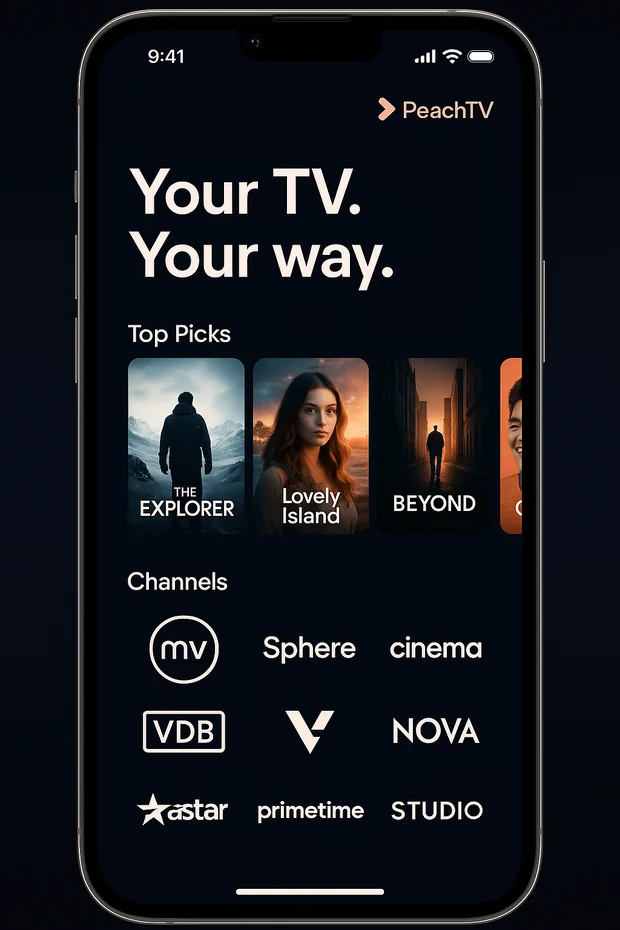
Home hub
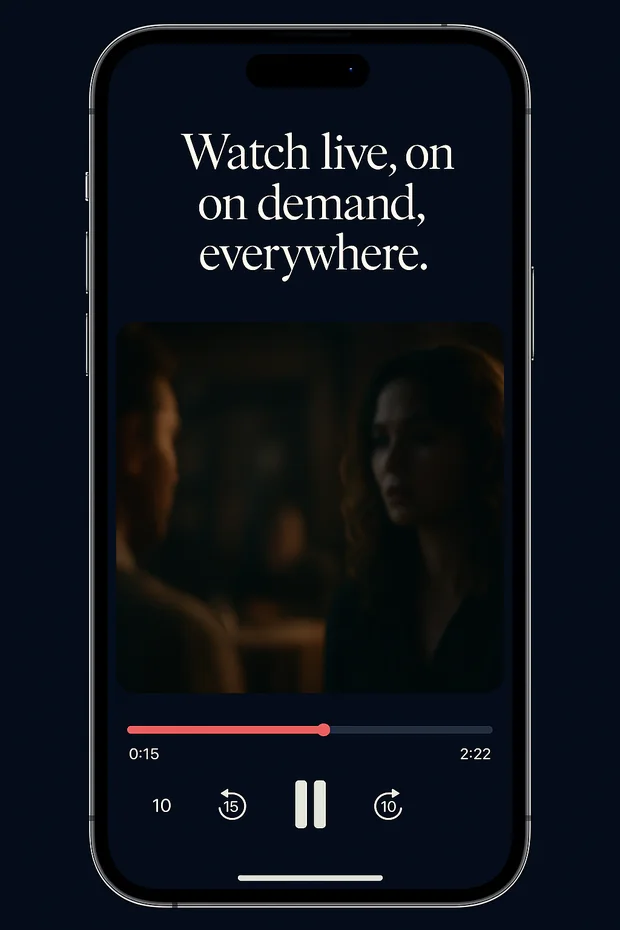
Player
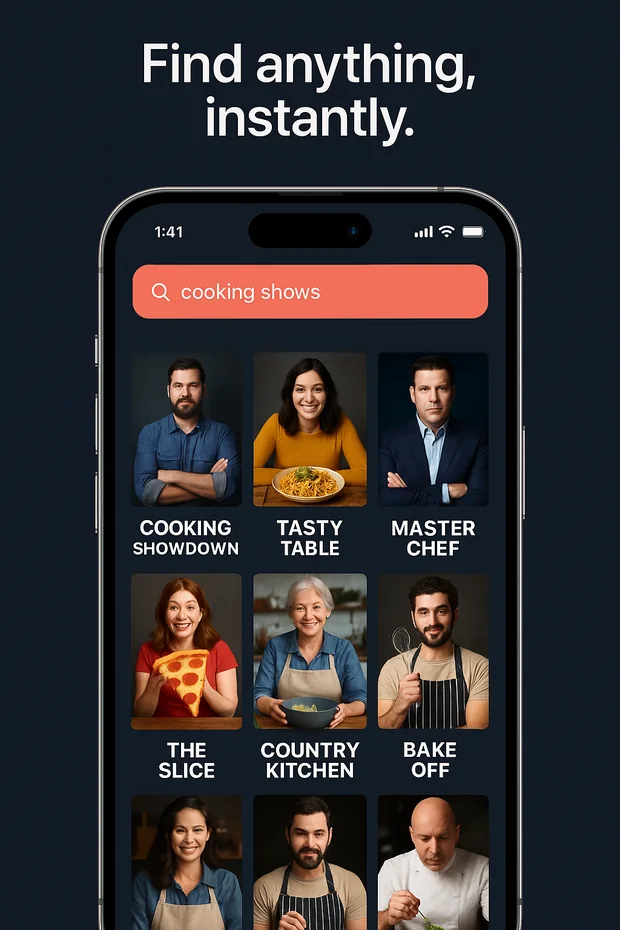
Search

Install in 60 seconds

You'll need an account. If you don't have one yet, ask your household admin for an invite link.

iPhone & iPad · Apple TV · macOS

Available on TestFlight while we finish public review.

Join TestFlight

Android & Android TV

Direct APK · auto-updates from inside the app.

Download APK

On a Fire TV / Android TV, install Downloader and enter:

peachtivi.com/peachtv.apk

Already signed in?

Pair a new TV in seconds — no typing on the remote.

Open pairing

Get the code from your phone or TV app, enter it on this page.

Common questions

What can I connect?

Emby, Jellyfin, Plex (read-only) and any Xtream Codes IPTV provider. You can mix and match — e.g. one Emby library + one Xtream live-TV pack.

Is my data safe?

PeachTivi is self-hosted on a single Linux server. Account credentials live in PocketBase; media never leaves your network unless you explicitly stream it. See Privacy for details.

How do I get a TestFlight invite?

Email [email protected] with your Apple ID. We send invites in batches.

Do I need a fast internet connection?

For HD playback off-LAN we recommend ≥ 8 Mbps down. On the same Wi-Fi as your media server the app uses the LAN address directly, so 4K/Atmos works as long as your home network does.

Why does the app hide Movies / TV Shows for some users?

Library access is per-account and configurable by your household admin. Live-TV-only accounts won't see those tabs.

Where's the Linux / Windows / Web app?

Not yet. The codebase is Flutter, so they're feasible — email [email protected] if you'd use one.